
Explore events and markets
Locate a sport, a league and a fixture, then read the period of the event, its score and the labels on its market.
Follow the Sports mobile walkthrough →Hero11 Sports is the Sports section inside the Hero11 app. The reviewed interface contains Cricket and Football event lists, scores and market labels; current availability depends on the app and your account.
Hero11 buttons open an external access page. Already installed? Open the app on your phone.
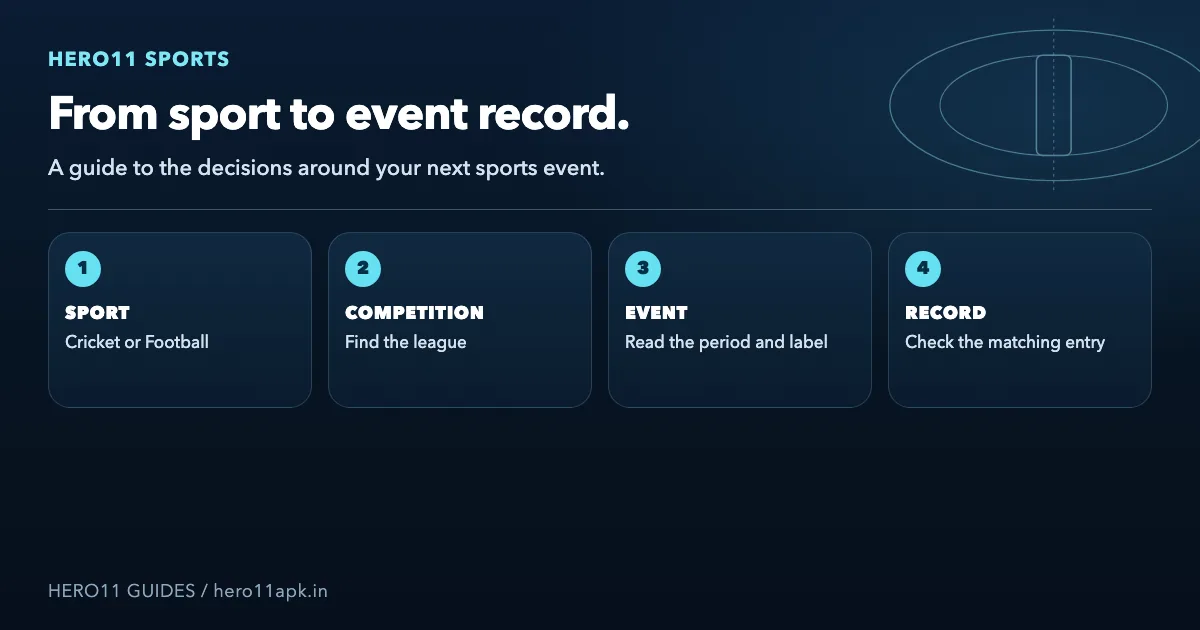
Locate a sport, a league and a fixture, then read the period of the event, its score and the labels on its market.
Follow the Sports mobile walkthrough →Inside the Fantasy section, choose players and a captain. Prices on Sports markets are not the same thing as fantasy points for players.
Explore Hero11 Fantasy →Searches for “Hero11 Sports” can also lead to app listings, videos and similarly named services. This page describes the Sports section in the recorded Hero11 interface. A matching name alone does not identify the same app.
Fixtures are grouped by competition on the recorded Cricket screen, which also offers views named Fixed and Fancy. The displayed list of events is organised with help from In-Play, Today and Early; the search box carries a label about searching a league or a match.
Particular conditions in a market are what labels such as Match Winner, innings totals and the others refer to. For reading the rules, the view you selected and the label are only a starting point, not a full account of how each outcome gets settled.
For Indian Premier League preparation, visit the IPL cricket and Fantasy guide. Rely on the present Sports list of fixtures to judge whether the event is offered, then review the conditions that belong to it.
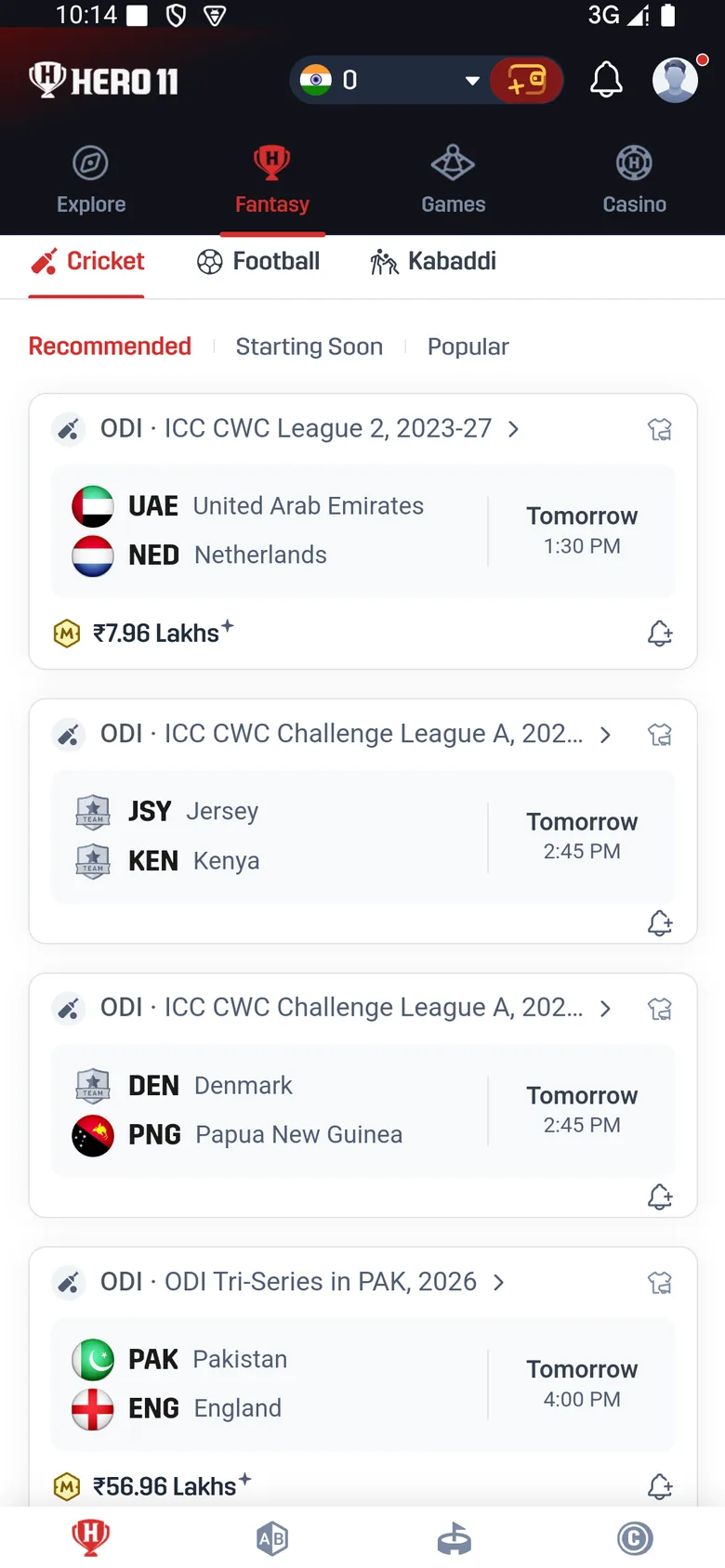 Tap to enlarge
 League lists and fixture lists, plus filters for time and status, appear in the Football section that was reviewed. Among its labels are Win, HDP, O/U and variants for the first half. Before you interpret a figure, check the competition and the period that is covered.
For what those labels mean and where they sit, use the walkthrough on mobile. The same teams can appear in a view of the full match and in a view of the first half, yet the periods differ; which one is selected is not told by the event name alone.
| On the screen | What it tells you | What still needs checking |
|---|---|---|
| Score or match clock | The displayed progress of the fixture | Whether the event and the update are those you meant to follow |
| Market price or line | The displayed selection and its terms | Period, rule wording and confirmation details |
| In-Play label | A live-status list is where an event appears | Whether a video feature is present for the event in question |
| My Bets / event record | Somewhere you can look when seeking a Sports entry | Its exact status and applicable settlement conditions |
Availability of a full video stream is not proved by a score or by a live marker. In the same way, a result from a match and a credit on an account are records that differ.
Before you choose an entry, compare teams of players, cards for predictions and markets in Sports.
Compare Hero11 Fantasy and Sports →Keep match timing, points that change and completion apart from a payment or a withdrawal.
Read match and result checks →Get the match, the period, the selection and a screenshot ready for the Customer Center inside the app.
Prepare a support request →Opens the external Hero11 access page. Choose the section after opening the app.
The reviewed interface uses the main Hero11 app for Sports. Use the Android download and installation guide if the app is what you need, or open the copy already installed and use Hero11 login help if account access fails.
If your search was a sports-game phrase or a sports phrase tied to India, begin by naming the Sports area and whichever event you have in mind. The page does not set up a distinct Sports APK, a live feed of video or availability across every location.
Sports appears inside the reviewed Hero11 app. Use the existing Android download guide; no separate Sports-only APK is established by these recordings.
Recorded material about the interface is what this guide describes, for an audience focused on India. Current availability or legal eligibility is not verified for every state, every account or every event. Review the local requirements in force and the terms inside the app.
This page covers the Sports section shown in Hero11, with Cricket and Football events. A similar search phrase alone does not identify another service or an APK file.
It is the Hero11 section with event lists, match context and betting markets. Cricket and Football are documented in the reviewed interface; available events and features can change.
Inside the app that was recorded, they are sections that stay separate. For contests built from player teams and for prediction cards, use Fantasy; for the interface of events and markets, use Sports.
Lists of events, scores and markets are what this material confirms, not whether full-match streaming is available. Look at the media options on a specific event, and for viewing use the broadcaster information published by the competition.
Choosing a sport, locating a fixture, reading the labels on it and finding records or support are covered by the Sports walkthrough for mobile that is linked at the start.
Product references: Hero11 mobile recording dated 31 August 2026 and mobile interface material reviewed 8 September 2026. Guide updated 22 October 2026. Screens show examples from those sessions. Check the rules and availability shown in your current account.
External access link · 18+ and current local eligibility apply.
Editorial update: · Hero11