
Hero11 Casino: Find Your Game Category
Hero11 Casino sorts separate games by category and by provider. Rely on the lobby filters and on search to locate a particular title, then read the rules and the entry settings for that game.
Already have Hero11? Open the app on your phone. Get login help →
On this page
Browse Hero11 Casino on your phone
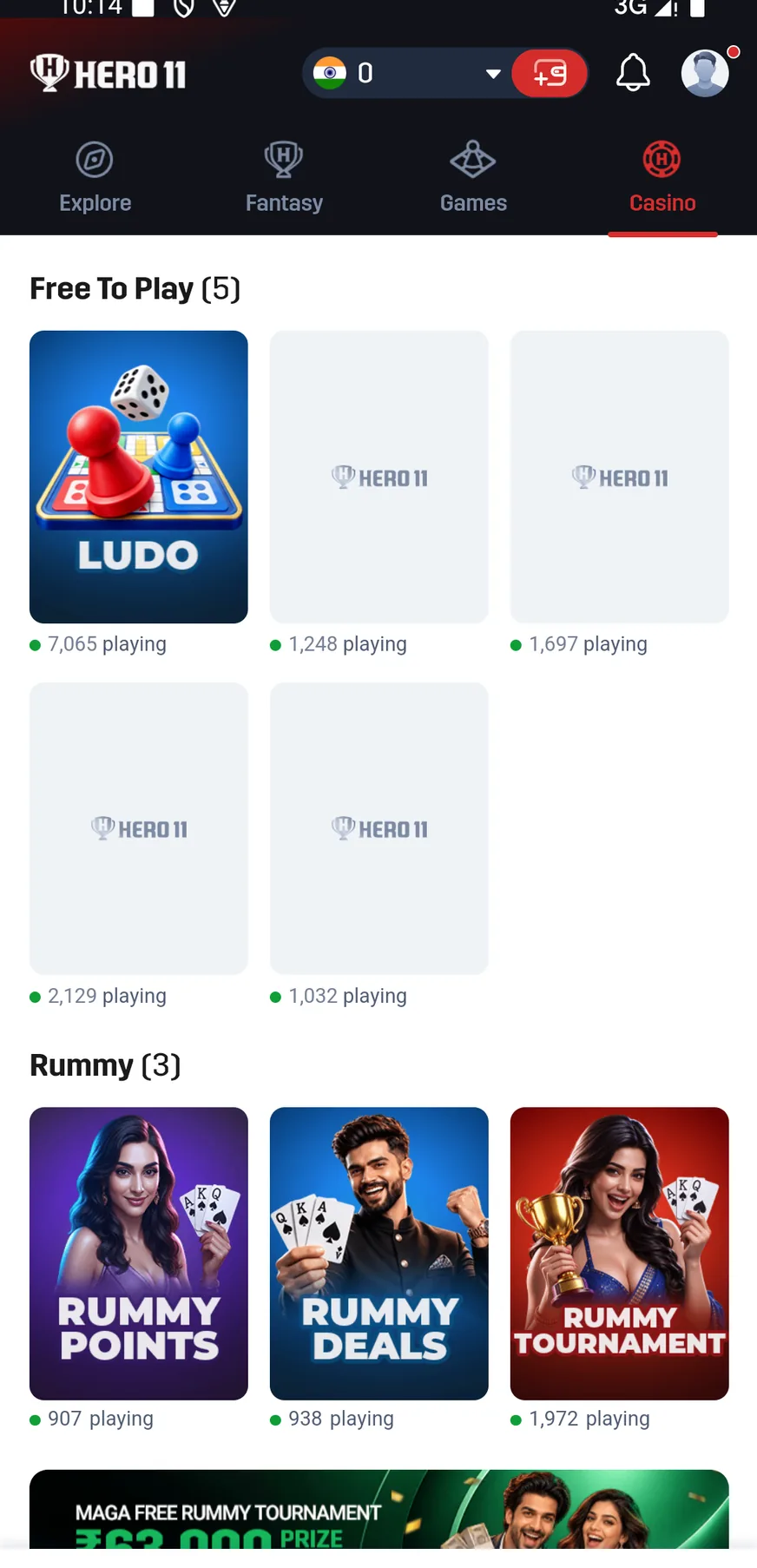
From the top category row, open Casino. What was recorded shows a Lobby, a search for games and controls for categories. Providers offers another route for browsing by the studio or the supplier named on the game.
Narrow the list by using the filters. How many games appear, and which titles are offered, can change; a screenshot illustrates navigation and is not a lasting catalogue.
 Tap to enlarge
 What the Casino categories contain
| Category | Examples visible in the mobile recording | How to use it |
|---|---|---|
| Originals | Mines, Chicken, Plinko, Limbo and Dice | Open the individual game instructions and settings |
| Live Casino | Ice Fishing, along with Crazy Time and also Super Andar Bahar | For that title, review the table, the session and the rules that are shown |
| Slots | Fortune Gems titles, Money Coming and others | Read the paytable and stake controls |
| Mini Game | Aviator, Go Rush, Twist and other titles | Review the round and the entry conditions that belong to the game |
| Fishing | Several named fishing titles | Select the precise title, since mechanics of games can vary |
| Indian Cards | Titles such as Call Break, Dragon Tiger and Teen Patti | Review the selected game’s rules |
Casino Cricket and Fantasy Cricket amount to different tasks
An individual game is what a Casino title containing Cricket amounts to. It is not automatically a Fantasy Cricket contest built on a real match, nor a market inside a Sports event. For choosing real players, use Hero11 Fantasy; for event lists and markets, use Hero11 Sports.
Likewise, Fortune Gems is a game title in the catalogue. Its name does not establish a Hero11 “gems” wallet or a platform-wide currency.
Read these controls inside the selected game
- The exact game title and provider.
- The currency and amount currently selected.
- Any limits on taking part, along with the paytable and the round rules.
- For an entry that was accepted, the result together with the game history.
Promotional RTP labels and prize labels appear in the interface. They do not promise what you will get back, a typical outcome or a checked return rate for every game that is listed.
Locate a Casino game record or obtain help
Game History sits in the recorded account menu, with separate tabs for Casino, Fantasy, Rummy and Sports. For a Casino entry, use the Casino record, and when you ask for help keep the title, the time, the entry amount and the result you can see.
See the Hero11 support route →Frequently asked questions
What games are in Hero11 Casino?
Included in the recorded lobby are Originals and Live Casino, along with Slots, then Mini Game, Fishing and Indian Cards, together with browsing by provider and with search. Examples appear above; what is available can change.
Is Hero11 Casino the same as Hero11 Rummy?
Rummy keeps a category of its own and a lobby for Points and Deals. Card games are also listed under Casino, so pick the product and the title on purpose.
Does the 99% RTP label guarantee a return?
No. An individual result is not guaranteed by a promotional RTP label, and that label does not fix the return of every game.
About the screenshots and rules
Interface and rules reference: supplied mobile recording dated 31 August 2026, reviewed 10 September 2026. Available contests and rules can change. Read the terms shown for the match you choose.